
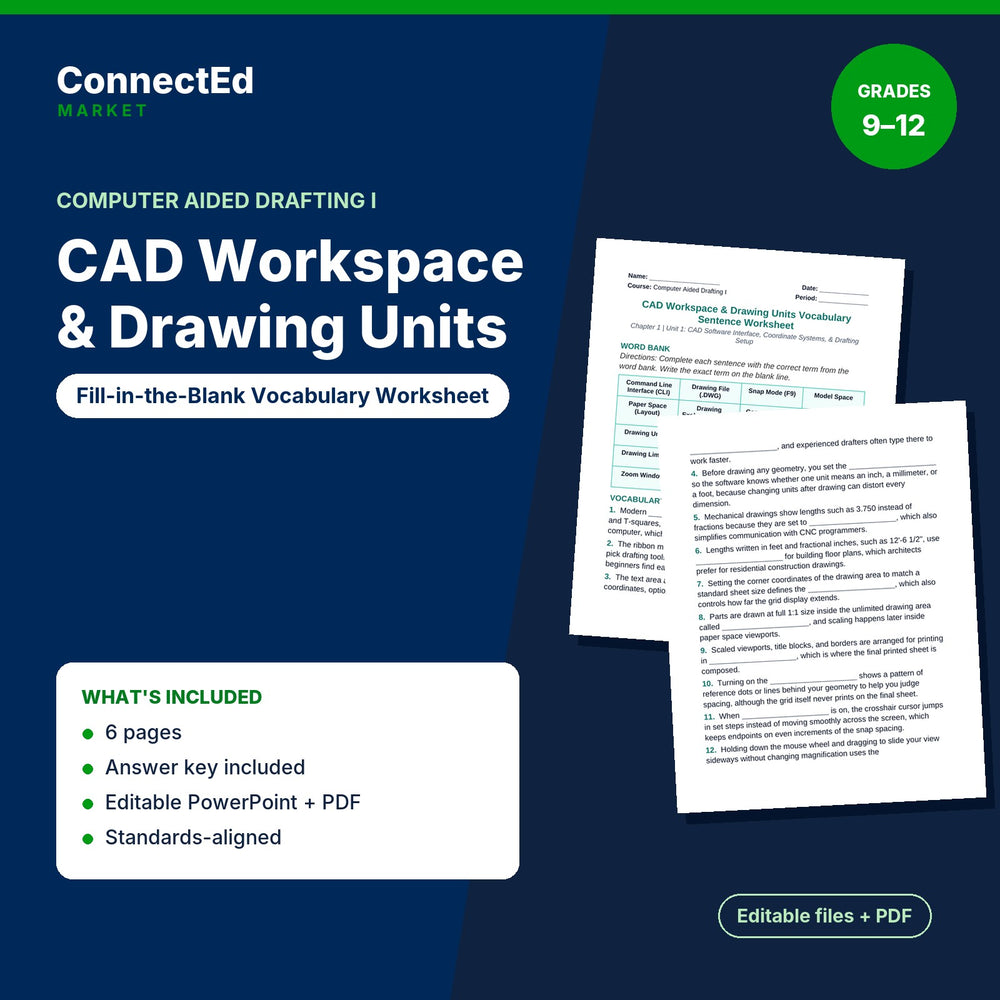
CAD Workspace & Drawing Units Fill-in-the-Blank Vocabulary Worksheet
$3.50
Microsoft Word + PowerPoint (editable) + PDF (ready to print) · Instant download
CAD Workspace & Drawing Units Fill-in-the-Blank Vocabulary Worksheet is a fill-in-the-blank vocabulary sentence worksheet for Computer Aided Drafting I (grades 9–12) on CAD Workspace & Drawing Units.
Pairs with: CAD Workspace & Drawing Units Slide Show Presentation; CAD Workspace & Drawing Units Guided Notes; CAD Workspace & Drawing Units Lesson Quiz; CAD Workspace & Drawing Units Vocabulary Words & Definitions.
Sections: Word Bank; Vocabulary Sentences; Teacher Grading Reference • Filled In-context Sentences. Sample item: “1. Modern ____________________ software replaced drafting boards and T-squares, letting designers draw precise vector geometry on a computer, which greatly improved drafting accuracy and productivity”
What's inside: Fill-in-the-Blank Vocab Worksheet (editable .doc + PDF, about 1,287 words, 6 pages); answer key / model answers for the teacher.
Aligned Standards: Aligned to ITEEA Standards for Technological and Engineering Literacy for Computer Aided Drafting I, with embedded engineering design practices and career-readiness skills.
Format: Microsoft Word + PowerPoint (editable) + PDF (ready to print)
Classroom use: Have students use the chapter terms in context by completing the sentences on their own, as independent practice or homework. The answer key makes checking quick.
Format note: If you do not open files with Microsoft Office, use the included PDF.