
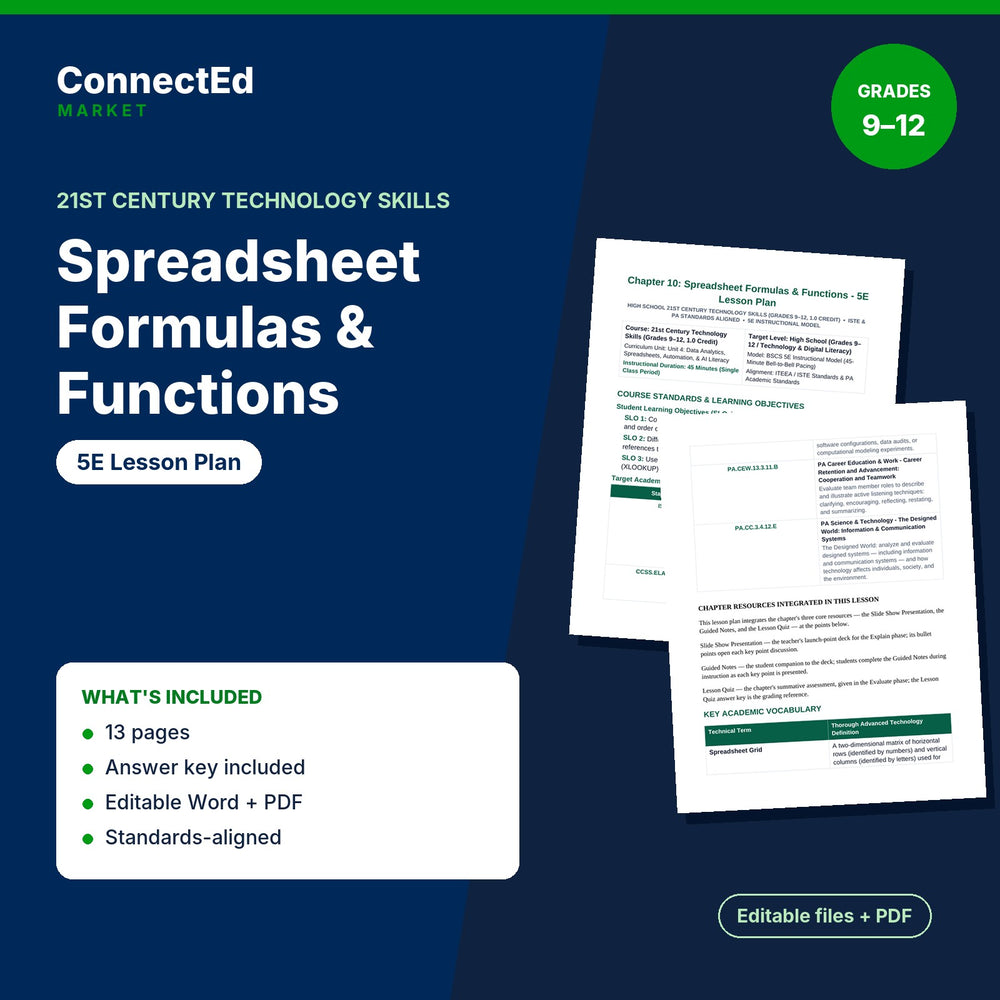
Spreadsheet Formulas & Functions 5E Lesson Plan
Free
Microsoft Word (editable) + PDF (ready to print) · Instant download
Spreadsheet Formulas & Functions 5E Lesson Plan is a complete 5E (Engage, Explore, Explain, Elaborate, Evaluate) lesson plan for 21st Century Technology Skills (grades 9–12) on Spreadsheet Formulas & Functions.
Pairs with: Spreadsheet Formulas & Functions Slide Show Presentation; Spreadsheet Formulas & Functions Guided Notes; Spreadsheet Formulas & Functions Lesson Quiz; Spreadsheet Formulas & Functions Vocabulary Words & Definitions.
Sections: Course Standards & Learning Objectives; Ccss.ela-rst.9-10.3; Pa.cew.13.3.11.b; Chapter Resources Integrated In This Lesson; Key Academic Vocabulary; 1. Engage (5 Min); 2. Explore (12 Min); 3. Explain (15 Min). Sample item: “What is the difference between typing a raw number into a cell versus typing an equal sign (=) followed by a formula? What happens to cell coordinates when you copy a formula from row 2 down to row 10”
What's inside: 5E Lesson Plan (editable .docx + PDF, about 3,581 words, 13 pages); answer key / model answers for the teacher.
Aligned Standards: Aligned to national Business, Computer & Information Technology standards (NBEA) for 21st Century Technology Skills, with embedded academic literacy and career-readiness skills.
Format: Microsoft Word (editable) + PDF (ready to print)
Classroom use: Plan the whole lesson around the 5E sequence: engage, explore, explain, elaborate, and evaluate. Follow it as written for the chapter, or lift the stages you need into your own plan.
Format note: If you do not open files with Microsoft Office, use the included PDF.