
Raster & Vector Graphics Editing Substitute Lesson Plan
$3.50
Microsoft Word (editable) + PDF (ready to print) · Instant download
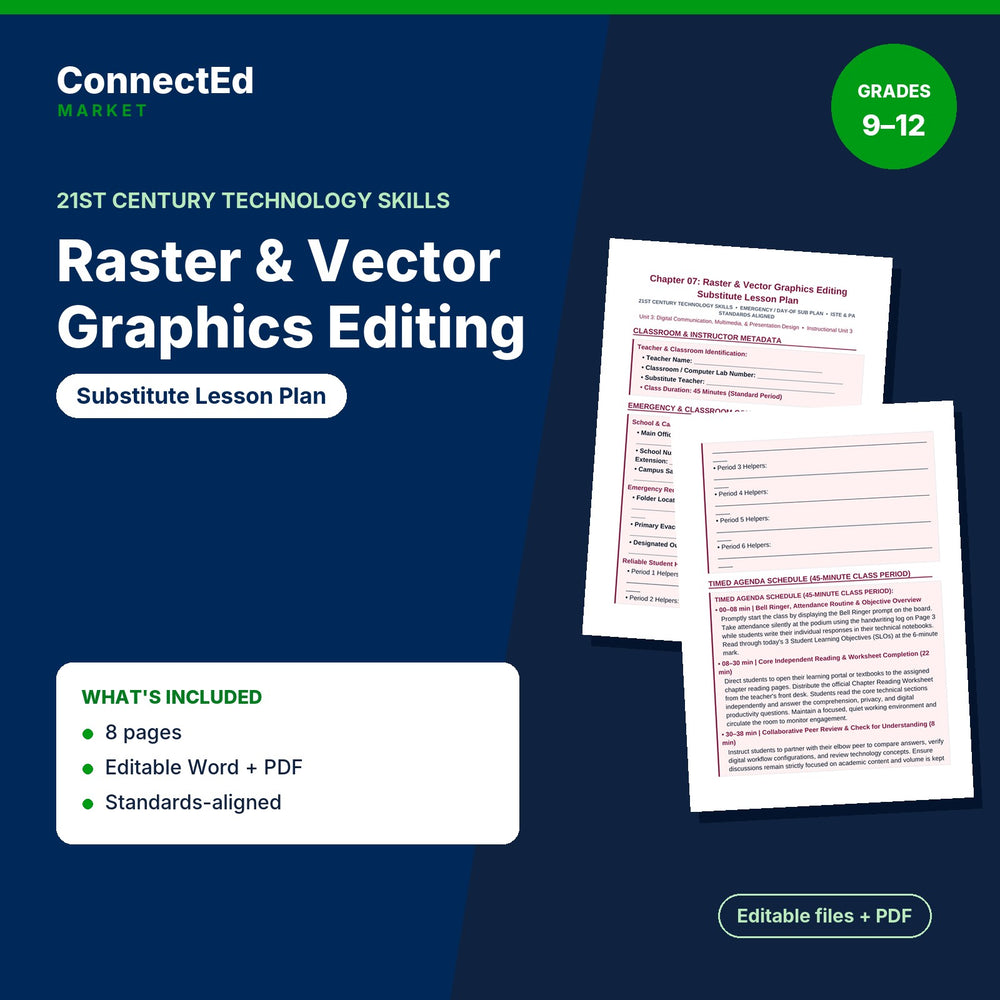
Raster & Vector Graphics Editing Substitute Lesson Plan is a substitute lesson plan for 21st Century Technology Skills (grades 9–12) on Raster & Vector Graphics Editing.
Pairs with: Raster & Vector Graphics Editing Slide Show Presentation; Raster & Vector Graphics Editing Guided Notes; Raster & Vector Graphics Editing Lesson Quiz; Raster & Vector Graphics Editing Vocabulary Words & Definitions.
Sections: Classroom & Instructor Metadata; Emergency & Classroom Contact Information; Academic Standards & Student Learning Objectives (slos); Step-by-step Substitute Directives & Management; Attendance Log Table (handwriting Record); Substitute Report & Feedback Table. Sample item: “• Classroom / Computer Lab Number: ________________________”
What's inside: Substitute Lesson Plan (editable .docx + PDF, about 1,267 words, 8 pages).
Aligned Standards: Aligned to national Business, Computer & Information Technology standards (NBEA) for 21st Century Technology Skills, with embedded academic literacy and career-readiness skills.
Format: Microsoft Word (editable) + PDF (ready to print)
Classroom use: Hand a substitute a complete plan for the chapter with a bell ringer, a period notes sheet, and feedback notes for you when you return.
Format note: If you do not open files with Microsoft Office, use the included PDF.