
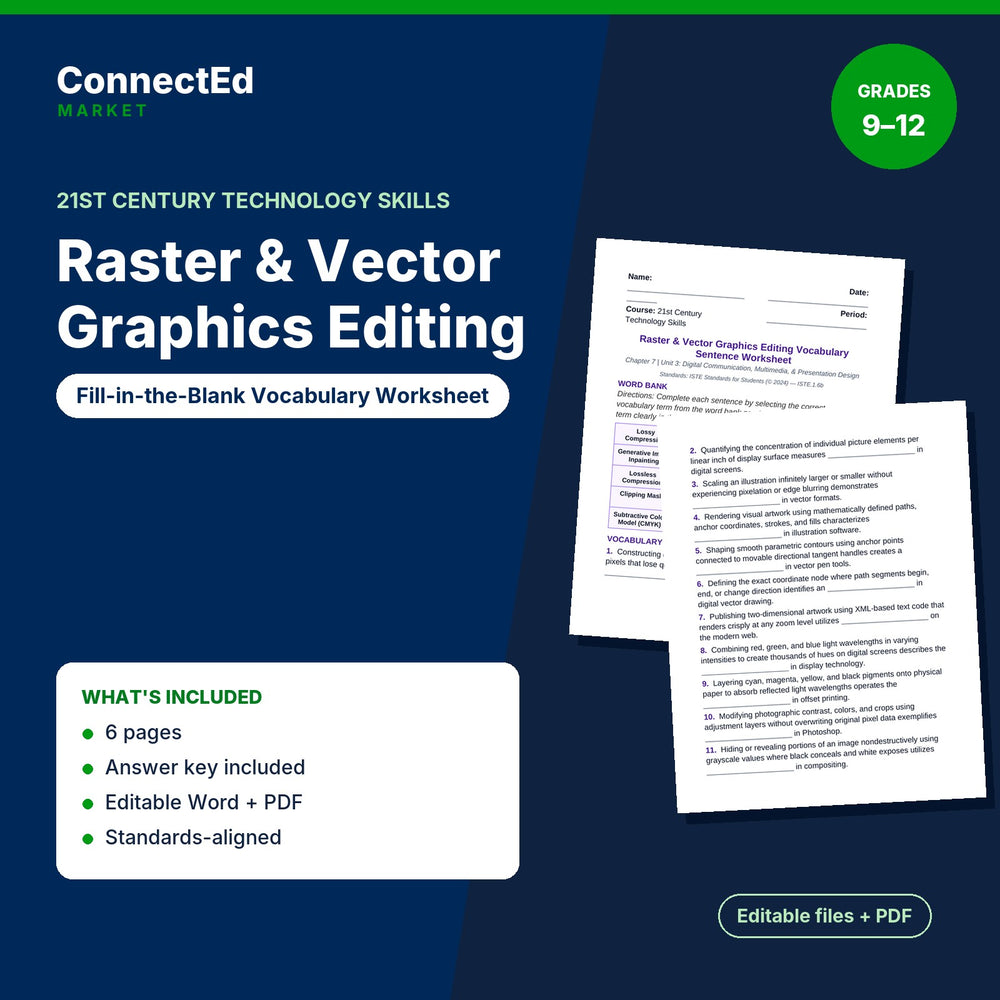
Raster & Vector Graphics Editing Fill-in-the-Blank Vocabulary Worksheet
$3.50
Microsoft Word (editable) + PDF (ready to print) · Instant download
Raster & Vector Graphics Editing Fill-in-the-Blank Vocabulary Worksheet is a fill-in-the-blank vocabulary sentence worksheet for 21st Century Technology Skills (grades 9–12) on Raster & Vector Graphics Editing.
Pairs with: Raster & Vector Graphics Editing Slide Show Presentation; Raster & Vector Graphics Editing Guided Notes; Raster & Vector Graphics Editing Lesson Quiz; Raster & Vector Graphics Editing Vocabulary Words & Definitions.
Sections: Word Bank; Vocabulary Sentences; Teacher Grading Reference • Filled In-context Sentences. Sample item: “1. Constructing digital imagery from a fixed rectangular grid of colored pixels that lose quality when magnified defines ____________________ such as JPEGs.”
What's inside: Fill-in-the-Blank Vocab Worksheet (editable .docx + PDF, about 1,031 words, 6 pages); answer key / model answers for the teacher.
Aligned Standards: Aligned to national Business, Computer & Information Technology standards (NBEA) for 21st Century Technology Skills, with embedded academic literacy and career-readiness skills.
Format: Microsoft Word (editable) + PDF (ready to print)
Classroom use: Have students use the chapter terms in context by completing the sentences on their own, as independent practice or homework. The answer key makes checking quick.
Format note: If you do not open files with Microsoft Office, use the included PDF.